Join our server - For Java
In this tutorial we will show you how to join our Minecraft server.
If you plan on using Minecraft Bedrock edition, please read the propper wiki page for that.
Things you will need:
- A stable internet connection
- Minecraft Java Edition
Let's start!
If you use another launcher, at the start, the menus may look different. We only provide support for the official Minecraft Launcher
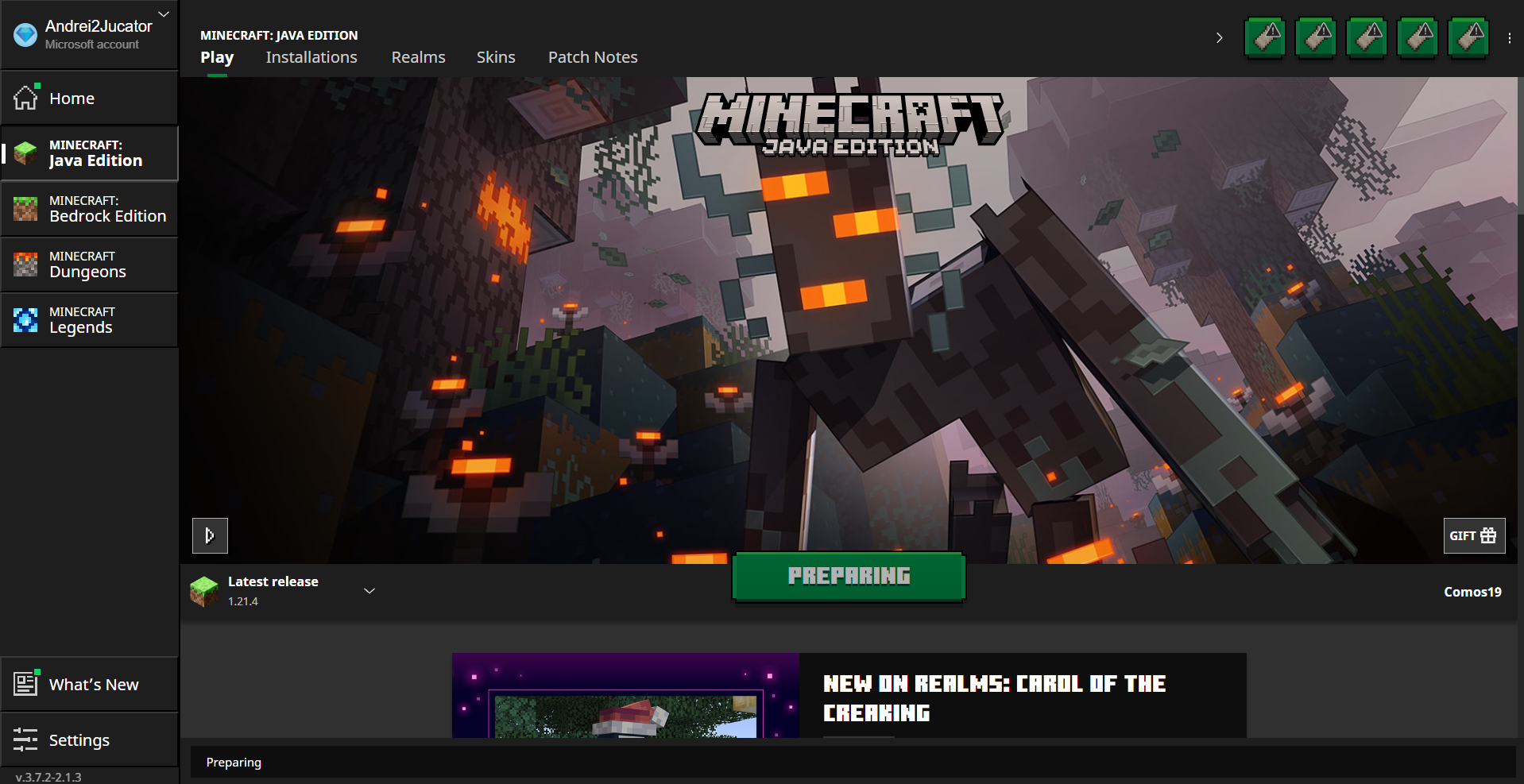
Open the Minecraft Launcher. It should look something like this:
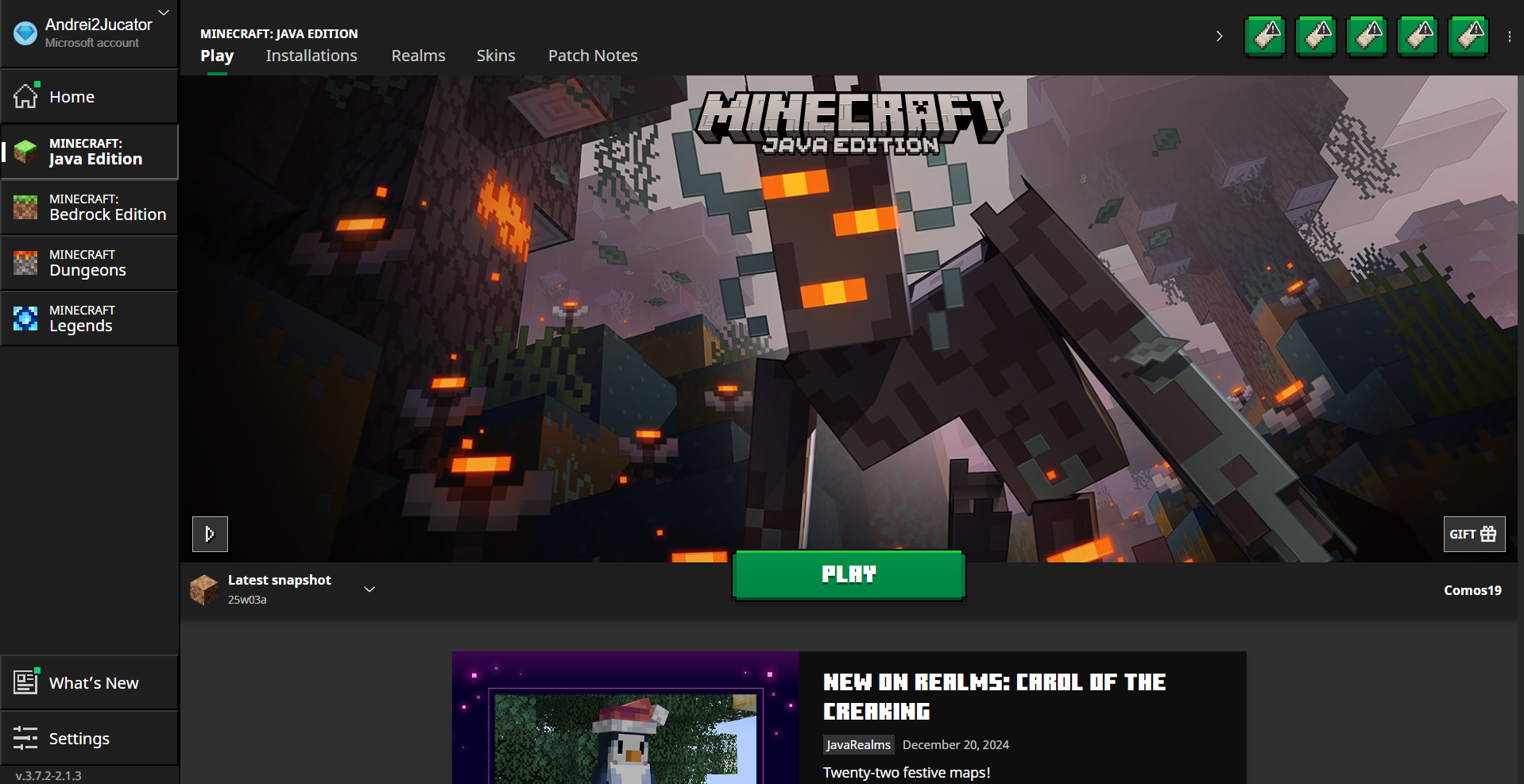
Locate the highlited area (the red rectangle) and click on it.
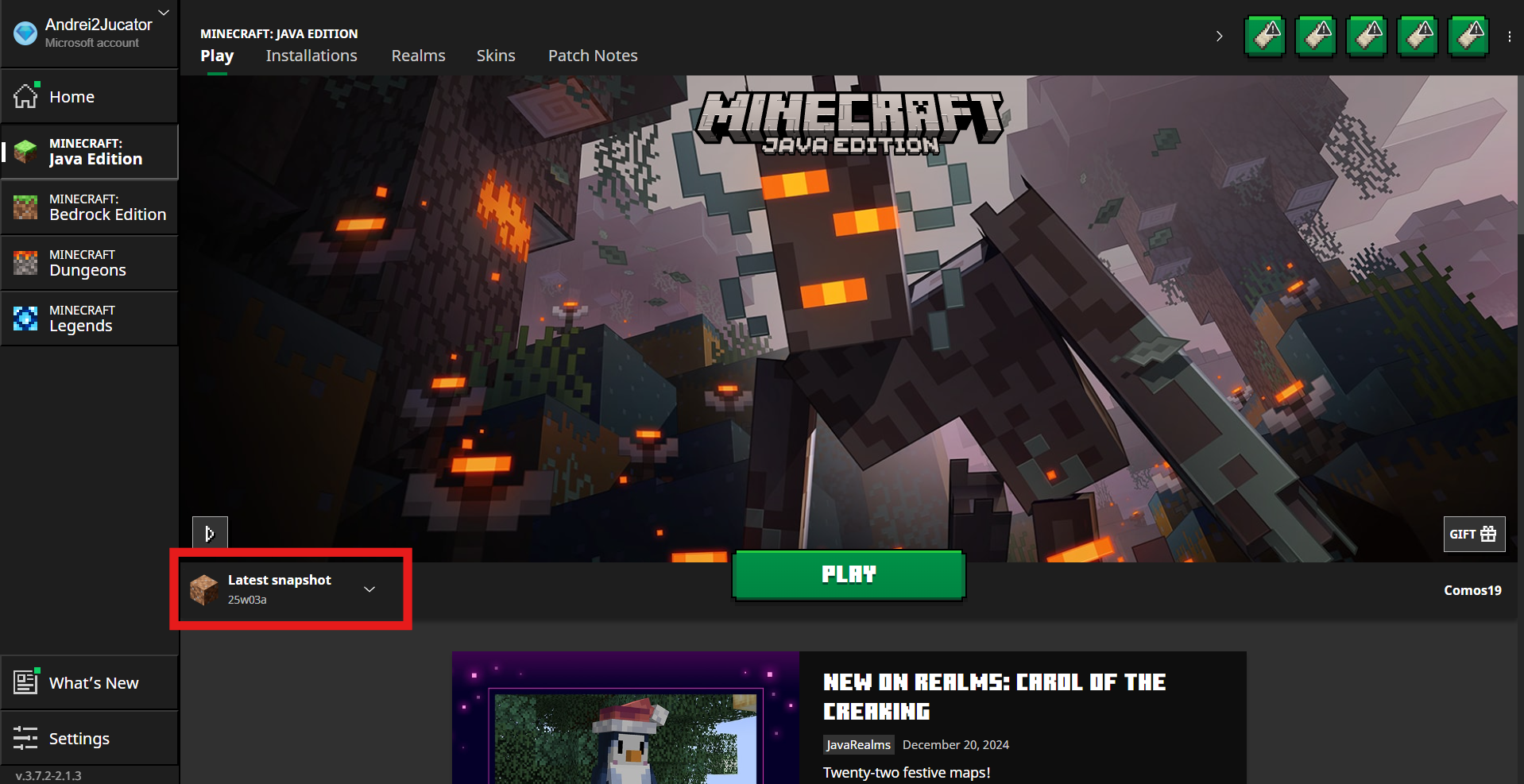
Make sure you have selected "Latest realase". In my case, it's 1.21.4 (At the time you are reading this, the version may be different.)
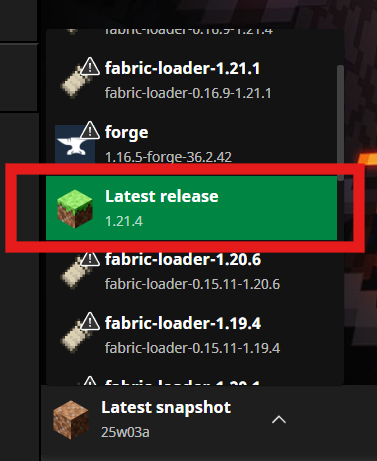
Click on "Play"
You will need to wait a little for the game to load. It will look like this:
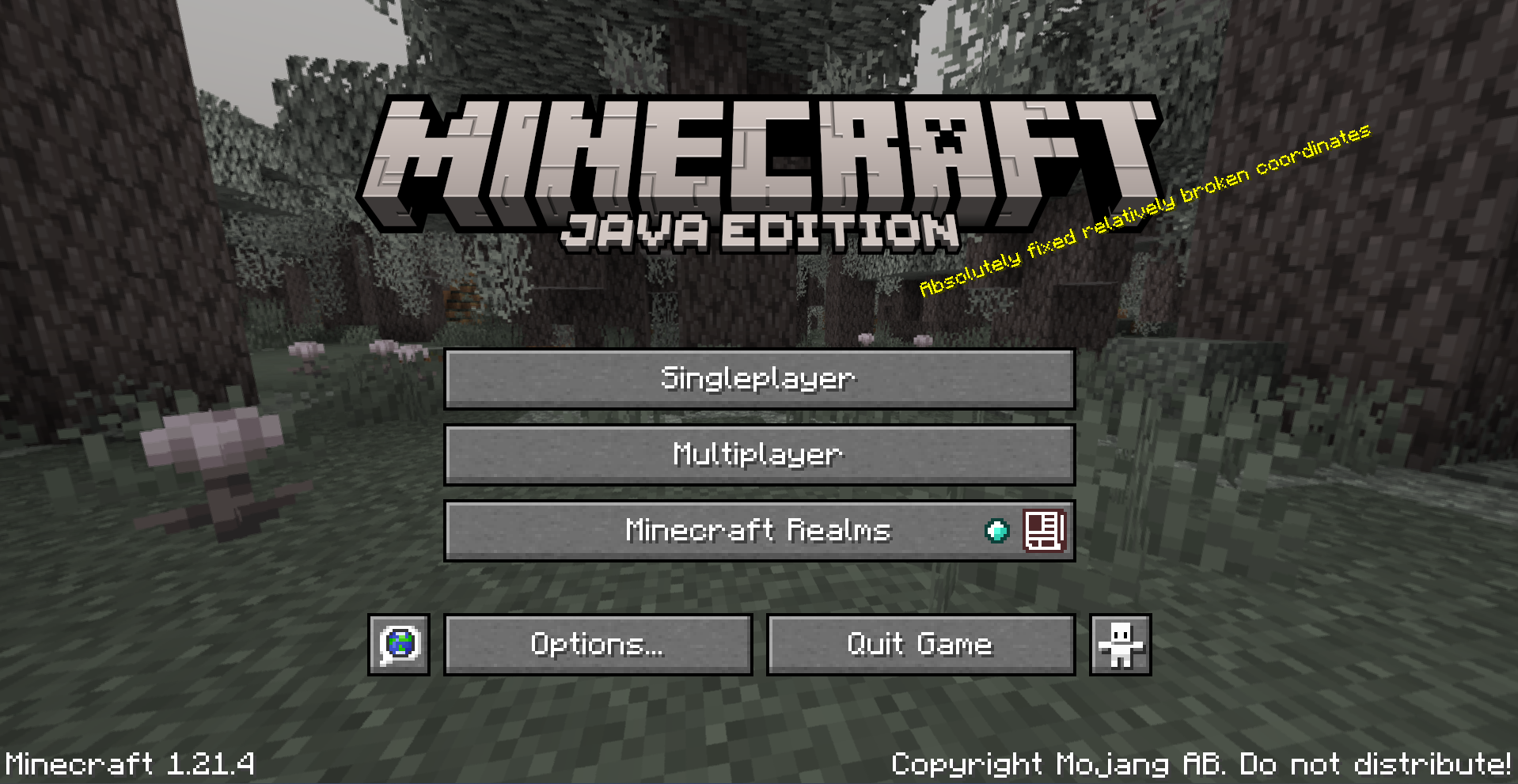
When the game opens, it will look something like this: (The backround/version may be different)
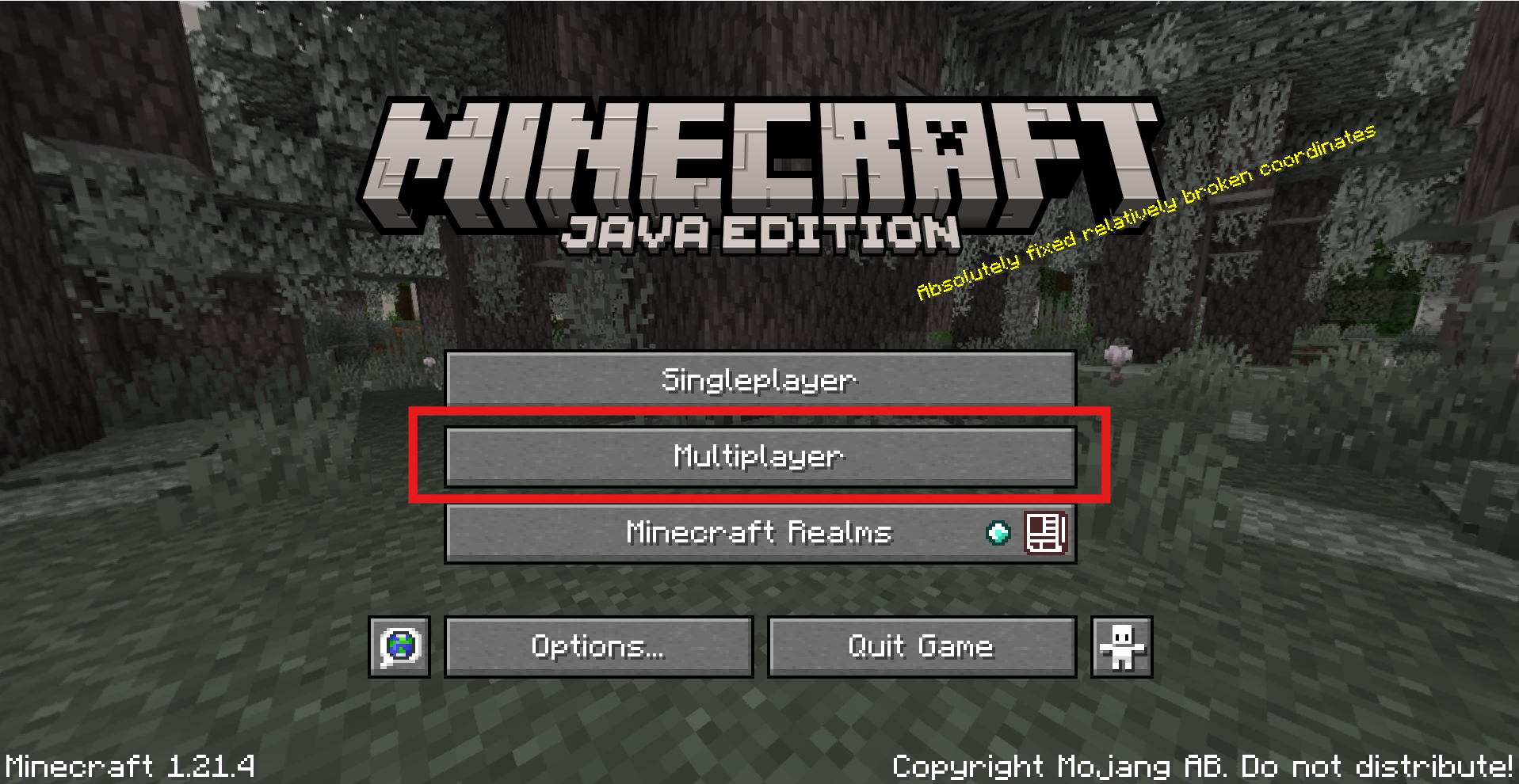
Click on "Multiplayer"
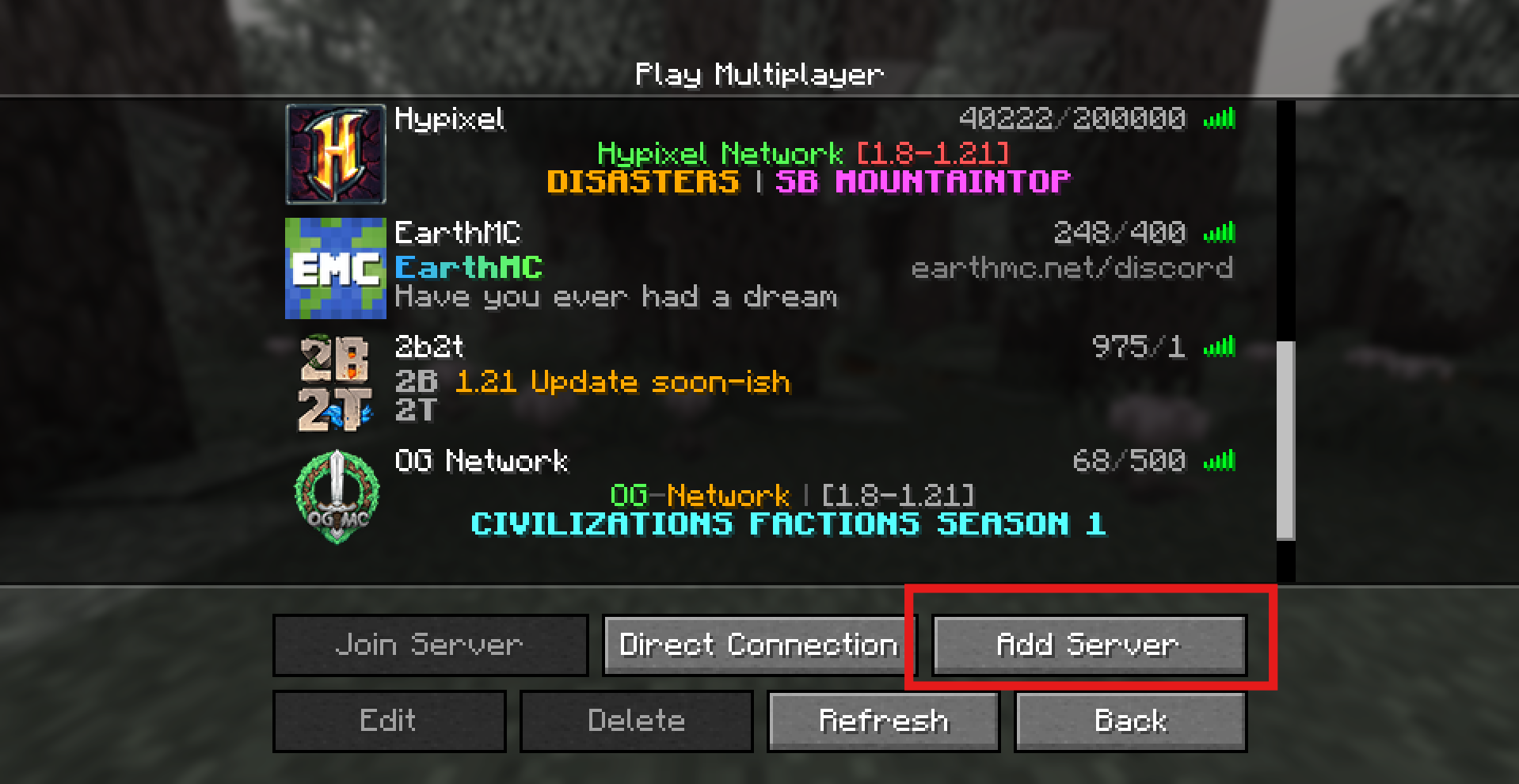
A menu will open. Click "Add server" (Note: Ignore the other servers added by me. ;) Some or all of them will not be shown on your game. This is no problem!)
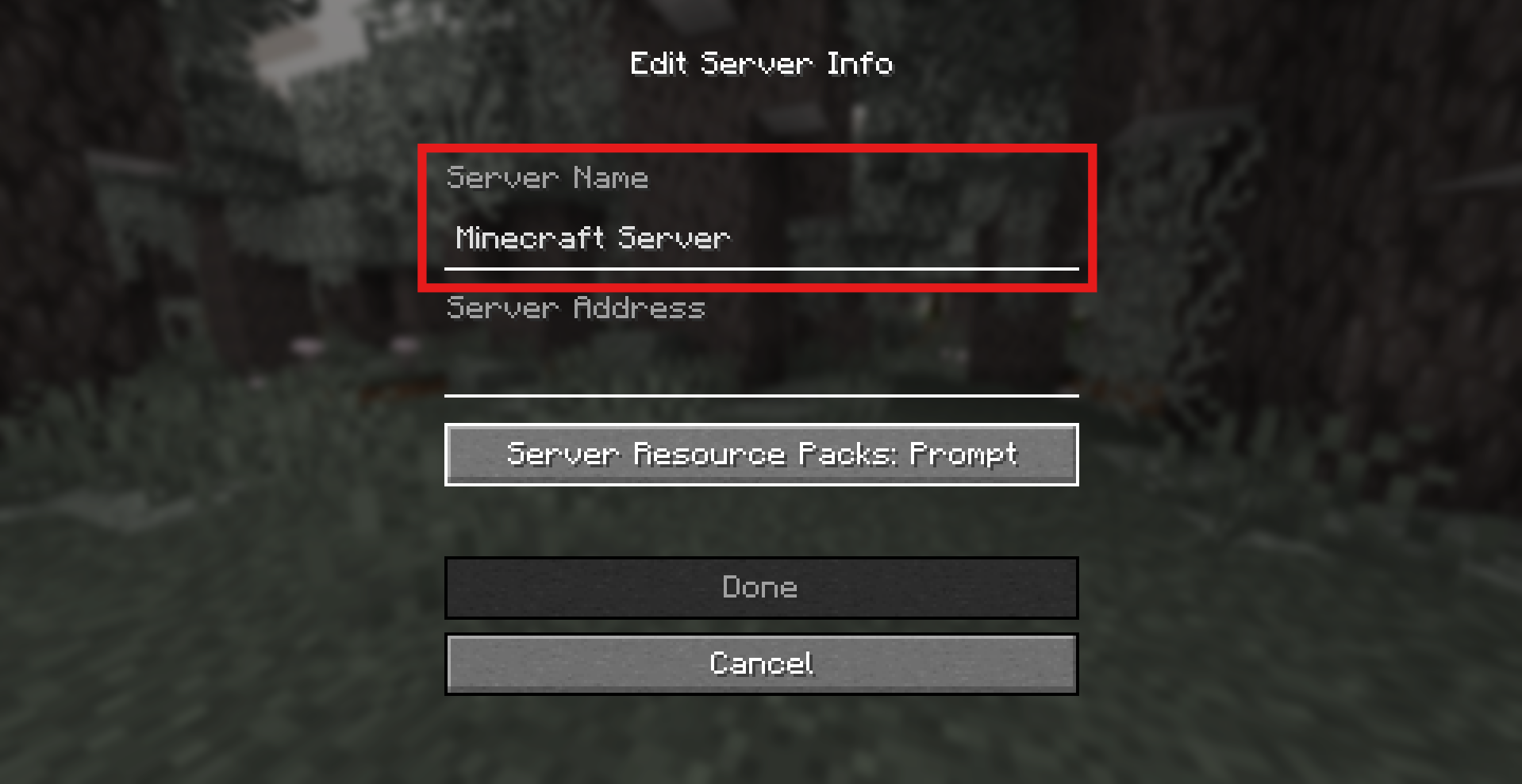
For the server name, clear the default text (Minecraft Server) using the BACKSPACE key. Then add "JustForFun"
For the server address, enter "play.justforfunmc.net"
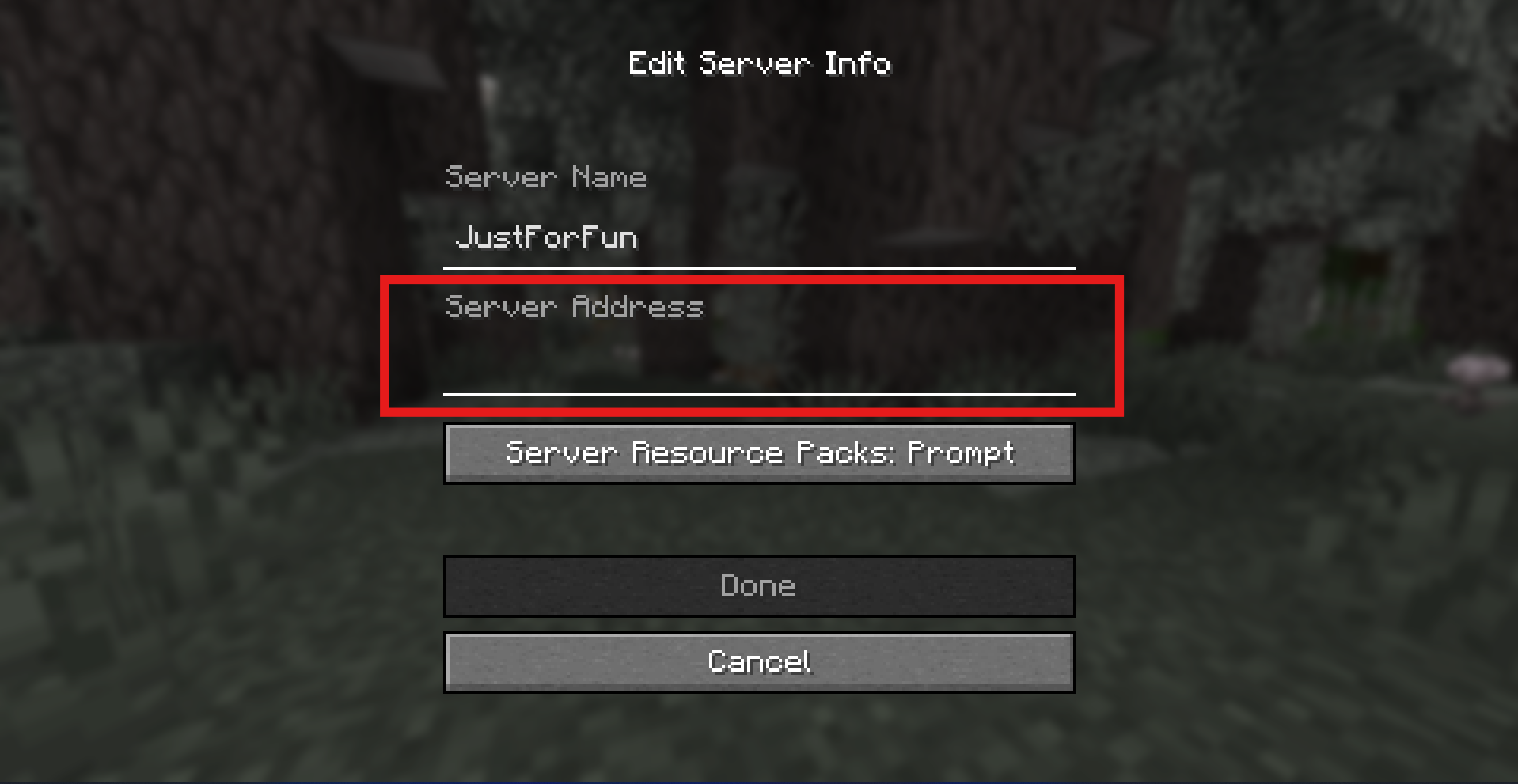
Otherwise, you will not be able to connect to the server!
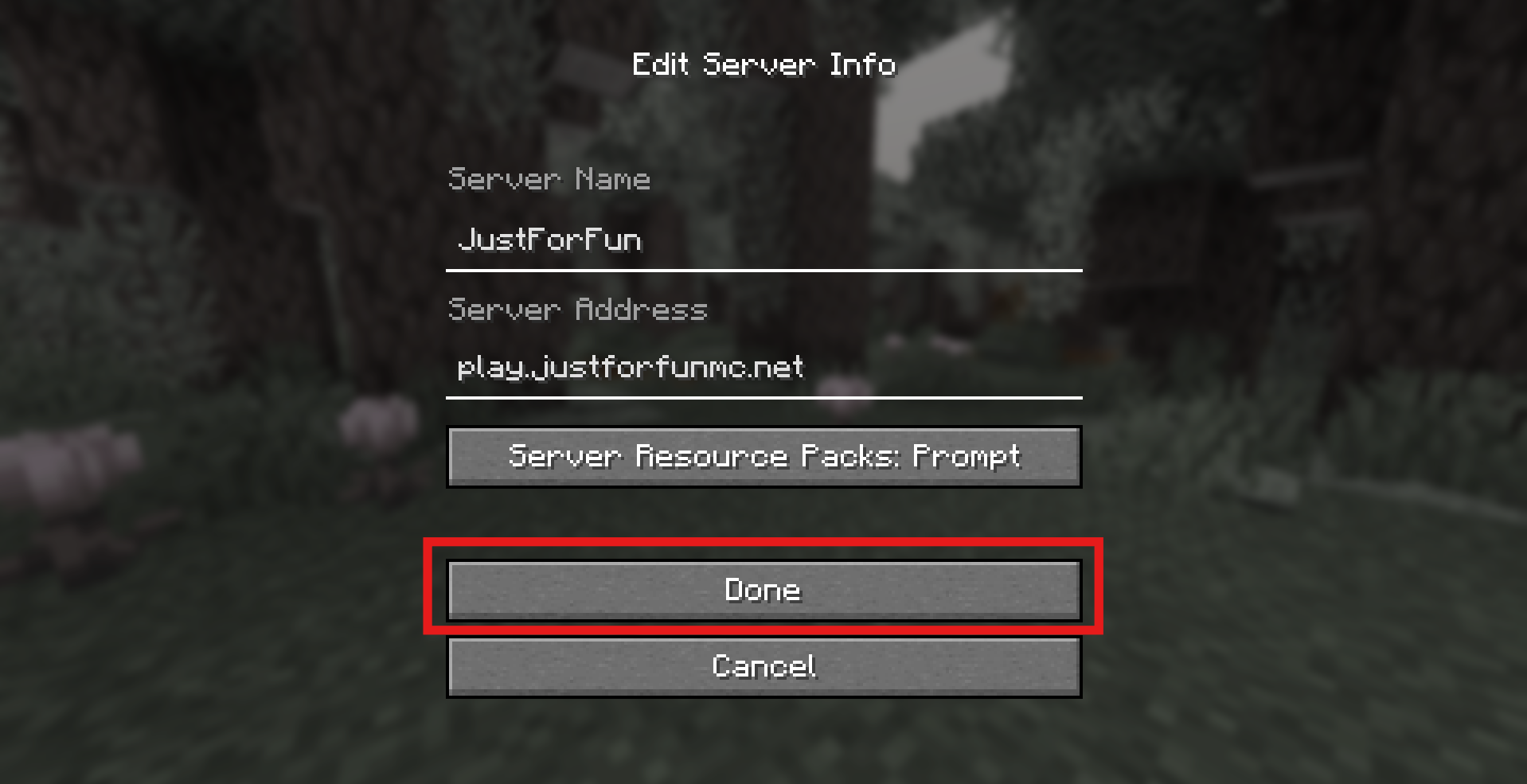
Click "Done"
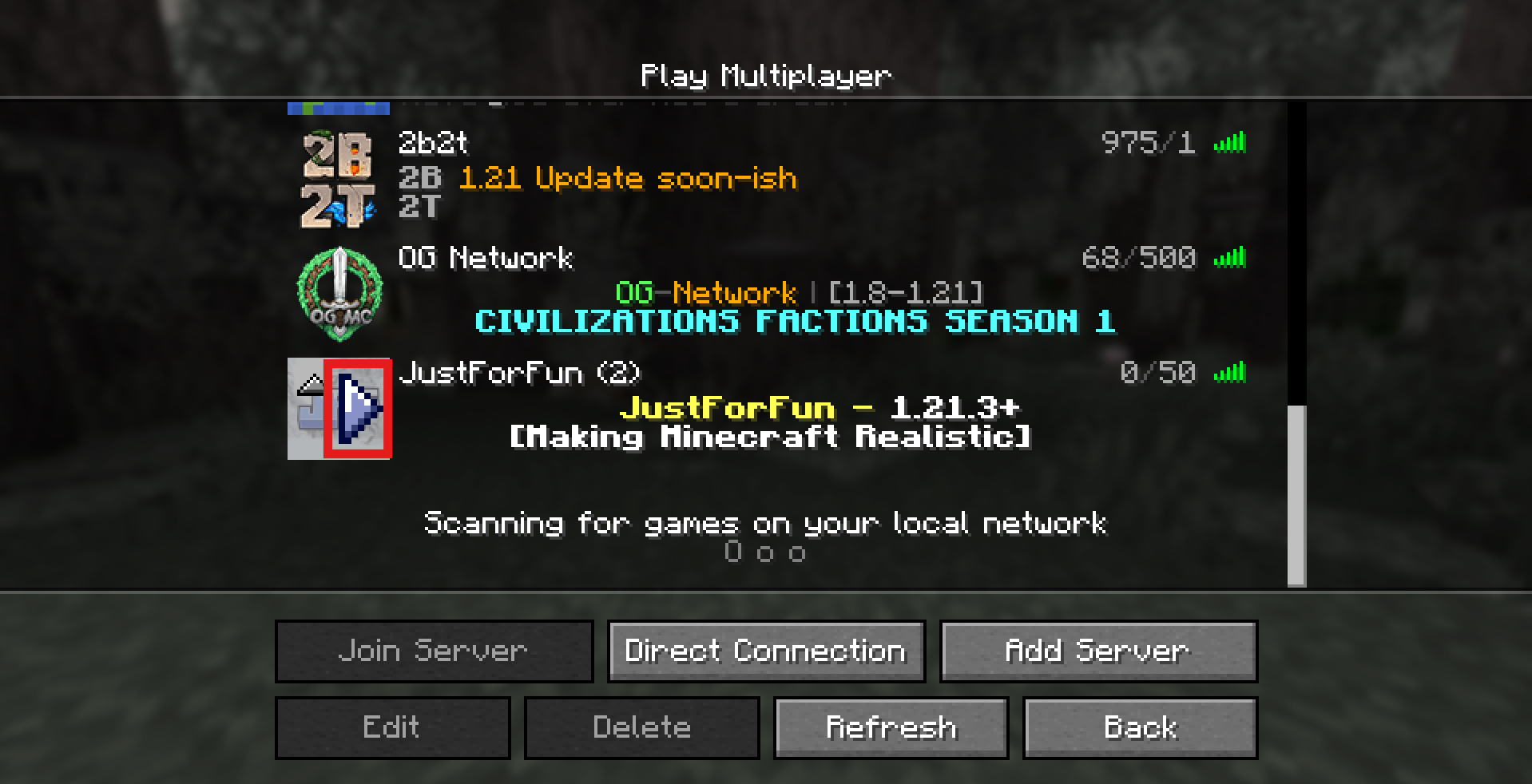
Hover your mouse over the server logo and click on the gray arror (as shown in the image)
Troubleshooting
- ** I get the "unknown host" error! ** -- Make sure you have typed the server adress correctly!
- ** I get the "outdated client" error! ** -- Make sure you have installed the latest Minecraft Java version!
- ** I get the "getsockopt" error! ** -- Try again and if it still doesn't works, make sure you have typed the server adress correctly!
- ** I get the "timed out" or "connection throttled" ** -- Try again after a few seconds and if it still doesn't works, make sure you have typed the server adress correctly and your internet connection!